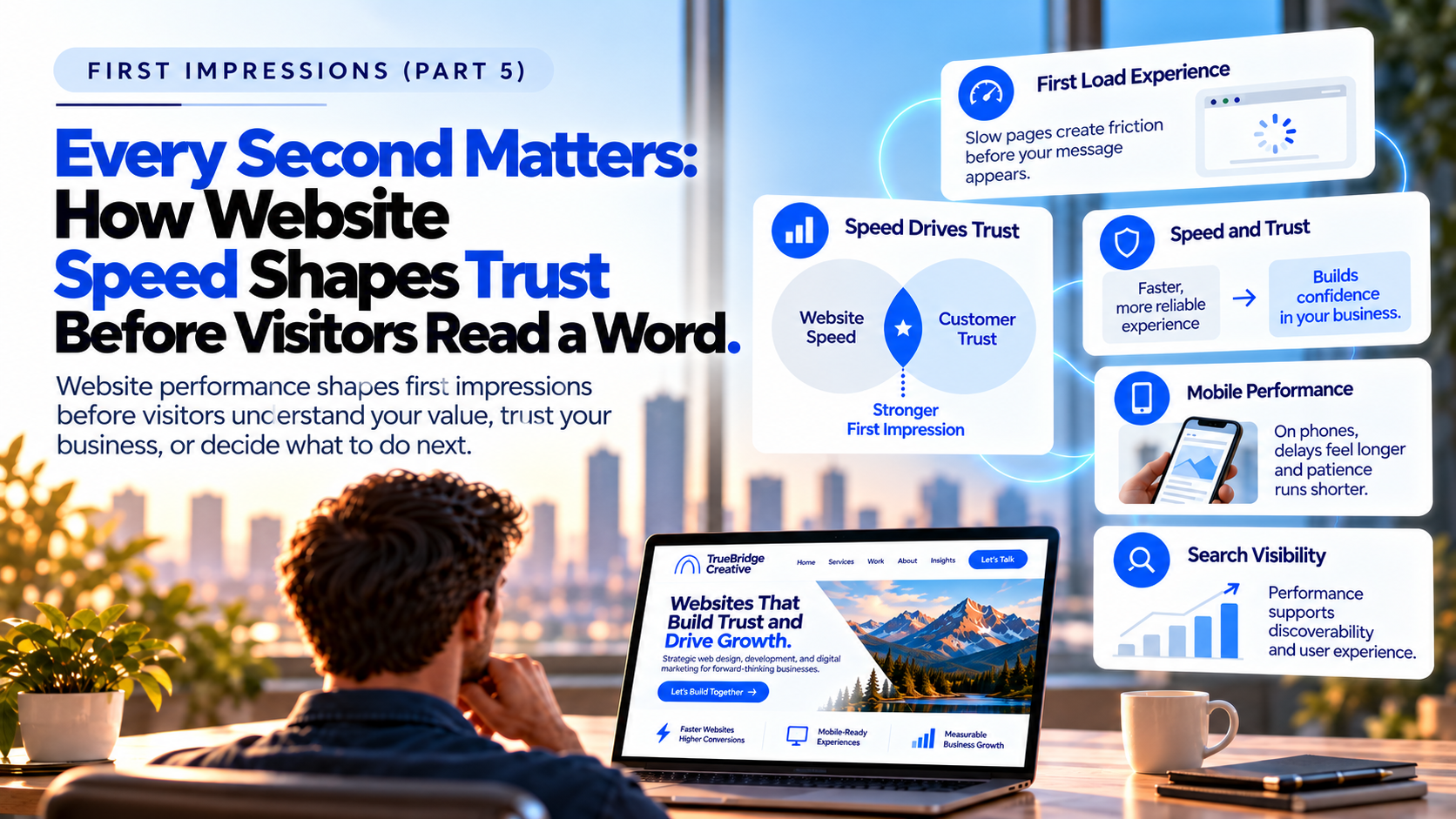
Every Second Matters – How Website Speed Shapes Trust Before Visitors Read a Word
Imagine a prospective customer looking for a company to help with an important project. They search online, see your business among the results, and read a description that seems to address exactly what they need. The next step should be simple: open the website, learn a little more, and decide whether to get in touch. Instead, the screen remains blank for a moment. A photograph appears, but the headline takes longer to arrive. When the visitor tries to scroll, the page hesitates; when they reach for the contact button, it shifts out of place as another element loads.
Nothing in that experience tells the visitor whether your team is talented, whether your work is dependable, or whether you would be the right partner. Yet it has already introduced an unwelcome question: if something this basic feels difficult, what else might be? The visitor may stay and eventually find reassuring answers, or may return to the search results and try another company. We cannot know what one person will do, and a slow page does not automatically mean a lost customer. What we can say is that the business has introduced friction at the precise moment it was trying to earn someone’s attention.
That is why website performance belongs in a discussion of first impressions. Long before a prospective customer judges your design, message, or qualifications, they’ve already begun judging the experience of reaching you. A website that works smoothly lets the business tell its story. One that struggles to respond can become the story instead.
The First Impression Begins Before the Message
In our previous article, Bridging the Gap: From What You Do to What Customers Understand, we explored how businesses can translate their expertise into language that prospective customers recognize. Clear messaging helps people connect what a company offers with what they need. A thoughtfully designed website then organizes that information, makes it easier to explore, and provides a sensible next step. But the sequence depends on one easily overlooked condition: visitors must be able to reach and use the experience you have created.
Most people do not arrive at a website intending to evaluate its technology. They may be comparing suppliers, checking whether a firm serves their area, reviewing examples of past work, or finding a way to contact someone. They notice performance mainly when it interrupts those goals. A page that opens promptly and responds naturally lets them focus on the decision they came to make; a page that stalls repeatedly pulls their attention away from the company and toward the obstacle in front of them. In that sense, speed is not separate from communication. It influences whether communication has the opportunity to work.
When Waiting Becomes Part of the Brand Experience
Consider a professional services firm whose reputation is built on responsiveness, careful planning, and attention to detail. Its website features polished photography, thoughtful copy, and testimonials from satisfied clients. Those elements may reflect the organization accurately, but imagine a prospective client opening the site on a phone and waiting through a series of delays before the service information appears. The experience would not prove the firm is inattentive or unreliable. It could, however, feel inconsistent with the qualities the firm wants people to associate with it, especially when the visitor has not yet had a conversation that might establish trust.
That distinction matters because people form first impressions from incomplete information. People use the signals available to them, even when those signals are imperfect. They may interpret an easy, well-organized interaction as evidence that a company has considered their needs, while an awkward interaction can introduce hesitation. The effect is rarely as simple as “a slow website means a bad business.” The greater risk is that a company asks people to spend patience and effort before giving them a compelling reason to do so.
The stakes also vary with what the visitor is trying to accomplish. Someone casually reading an article may tolerate a brief delay that would be much more disruptive to a person trying to send an urgent inquiry. If a menu doesn’t respond or a contact form fails to appear, the problem is no longer just that the page feels slow. It is that the business has made a valuable interaction harder than necessary.
Speed Is Really About Whether the Website Feels Ready
Website speed is often described as a single number: the time it takes a page to load. That measure can be useful, but it does not fully describe the experience of the person using the site. A page may display its headline quickly while leaving the central image blank. It may look complete but ignore the first tap on the menu. Or it may rearrange itself after the visitor begins reading, shifting a link or button away from the spot where they expected to find it. In each case, the issue is not simply waiting for a page to appear; it is waiting for a page to become dependable.
Google’s Core Web Vitals offer a practical way to think about these differences. Largest Contentful Paint (LCP) concerns when the main visible content appears, with 2.5 seconds or less considered good. Interaction to Next Paint (INP) looks at how quickly the page responds to a user’s actions, with 200 milliseconds or less considered good. Cumulative Layout Shift (CLS) measures unexpected movement, with a score of 0.1 or less considered good. The terms are technical, but their purpose is familiar: people should be able to see the important information, interact with it, and trust that it will stay in place. Google assesses these thresholds using real-user experience data when available; a single laboratory test is only one part of the picture.
Business leaders do not need to become performance engineers to appreciate the lesson. What matters is not whether a page has technically finished loading in the background, but whether a visitor can comfortably use it. A site can achieve a respectable loading time and still feel frustrating if its buttons are unresponsive or its layout keeps moving. Conversely, improvements that make the main content visible sooner and interactions more predictable can make the entire experience feel more considered, even when visitors never notice the work behind them.
Your Customer’s Phone May Tell a Different Story
One reason performance problems go unnoticed is that companies often review their websites under unusually favorable conditions. A leadership team sees the site on a large office monitor with a fast connection and a recently loaded browser. Customers may encounter the same pages on a phone between appointments, in a warehouse, at a jobsite, or on a less reliable network. An elaborate opening video that looks striking in a presentation may delay the information a mobile visitor actually needs. A complex menu may work smoothly on a desktop yet hesitate when someone tries to use it with one hand.
Picture a property manager walking through a building while looking for a contractor. The manager wants to confirm what services the company provides, see whether it handles similar properties, and find a number to call. They aren’t reviewing the website as a creative portfolio; they are trying to solve a practical problem on a busy day. If the service page is hard to open or the contact details are buried behind a slow interaction, the site gets in the way of the very opportunity it was built to create.
This is why checking a website on a company computer is not enough. The more useful question is whether prospective customers can accomplish their goals in the situations in which they are likely to visit. That requires attention to mobile behavior, typical connections, and the pages people actually use—not only the homepage shown during a design review.
Good Design and Good Performance Should Reinforce Each Other
There is no need to choose between a memorable website and a fast one. Photography, typography, motion, and visual storytelling can help a business communicate quality and personality. The question is whether each choice earns its place in the customer experience. A detailed project photograph may show craftsmanship; an unnecessarily large image file that delays the surrounding content does not make that evidence more persuasive. Animation can guide attention, but excessive movement or heavy effects may distract from the message and slow the path to useful information.
The same principle applies to elements that visitors never see as design decisions. A website may rely on plugins, tracking scripts, third-party chat features, embedded videos, custom fonts, and other services, each added for a reasonable purpose. Over time, however, these features can create more work for a browser before the page feels ready. Hosting, caching, image delivery, and the order in which page resources load can also make a substantial difference. Google’s guidance on optimizing Largest Contentful Paint explains why prioritizing the resources behind the main visible content matters. These are technical considerations, but they lead back to a straightforward customer question: are we helping people get to what they came for?
A thoughtful response doesn’t mean stripping a website of everything distinctive. It involves making deliberate tradeoffs. Perhaps the opening video can be replaced by a compelling image on mobile, an unused plugin can be removed, or an important service page can load its content before a secondary visual effect. The right decisions depend on the business and the audience. Performance works best when it is part of planning, writing, designing, and building the website, rather than a last-minute repair after every creative choice has already been made.
The Business Impact Extends Beyond a Slow First Visit
Businesses invest considerable effort in bringing people to their websites. Branding makes them recognizable, search content helps prospective customers discover them, referrals create reasons to investigate, and advertising can generate immediate interest. The website is where many of those efforts converge. If visitors cannot easily explore a service, read a case study, view a product, or complete an inquiry, some of that hard-earned attention may never develop into a conversation. A slow or unstable experience does not determine the outcome on its own, but it can weaken the value of everything that brought someone to the page.
Performance also connects to search visibility, though it is important not to overstate it. Google Search Central explains that Core Web Vitals are used by its ranking systems as part of a broader consideration of page experience. That does not mean a faster website automatically outranks a slower competitor, and a perfect performance score cannot make irrelevant or unhelpful content valuable. The stronger business case is that useful content should be discoverable and, once discovered, should be easy to use. Search optimization and the visitor experience are not competing objectives when you approach both thoughtfully.
It is tempting to view website speed primarily as a technical project because the solutions often involve code, servers, and file sizes. Yet the questions that make the project worthwhile are business questions. Which audiences are we trying to serve? What information must they find? Which moments build confidence, and where does the experience create unnecessary doubt? The answers help distinguish an improvement that matters from a technical change that looks impressive in a report but has little effect on a customer’s journey.
Start With the Customer Journey, Then Find the Cause
If you suspect your website is slower than it should be, begin by experiencing it rather than immediately commissioning a redesign. Open the pages that matter most on a phone: a high-priority service page, a relevant case study, perhaps a product or location page, and the contact process. Try completing a realistic task without relying on your familiarity with the site. Notice when useful content appears, whether the menu responds the first time, and whether the page remains stable as you move through it. A delay that feels minor to someone who knows exactly where to click may be far more distracting to a first-time visitor who is still figuring out where to go.
Observation should be paired with measurement. Google’s PageSpeed Insights can examine individual pages on mobile and desktop and identify performance issues worth investigating. The tool combines diagnostic laboratory testing with real-user experience data when sufficient data is available. Those two views can differ, and that is not necessarily a contradiction: a simulated test under controlled conditions will not reproduce every phone, connection, or moment of a real visit. Rather than treating one number as a verdict on the entire website, look for patterns across the pages and interactions that matter to the business.
Once you understand where visitors struggle, decide what to improve first. It makes little sense to perfect a small animation on an obscure page while leaving a frequently visited service page slow or a contact form unreliable. In some cases, the best next step will be smaller image files or more deliberate loading of important content. In others, it may involve simplifying scripts, reviewing hosting, or fixing an interaction that behaves poorly on mobile. A professional services firm, an online store, and a customer portal will not share the same priorities, so the work should be guided by how each site is actually used.
Performance also needs an owner after the initial improvements. New campaign tools, videos, forms, and plugins accumulate, and even well-intentioned updates can gradually make a site harder to use. Establishing a habit of checking important pages after meaningful changes helps prevent that slow decline. The goal isn’t to restrict new ideas, but to ensure each addition supports the experience the company wants to provide.
A Better Experience Matters More Than a Perfect Score
Performance reports can be satisfying because they turn a complicated experience into measurable results. Better scores are useful evidence that something has improved, but the score is not the destination. A site that opens almost instantly while leaving visitors unsure what the company does is still failing them. A fast form with too many unnecessary fields still creates friction, just as a visually polished page that is difficult to navigate on a phone can undermine confidence despite excellent technical results. Speed contributes most when it works alongside clear messaging, intuitive design, accessibility, and a sensible path forward.
A high-performing website shouldn’t need to call attention to how much work went into making it fast. Its value is that prospective customers can focus on the business itself: what the company understands, what it has accomplished, and whether it might be the right choice. That is a more useful standard than chasing perfection for its own sake, because it brings the conversation back to the purpose of the website. The goal is not merely to load a page quickly. It is to make the beginning of a business relationship feel easy, capable, and worth continuing.
The First Impression Check: Is Your Website Making People Wait?
As you evaluate the experience your website creates, consider these five questions:
- Does the most important content become visible promptly on both desktop and mobile, or are visitors left watching an incomplete page?
- When someone uses a menu, button, or form, does the website respond as expected?
- Do images and other page elements remain stable, or do they shift while someone is reading or trying to click?
- Have you reviewed the service, product, and contact pages that support business opportunities—not just the homepage?
- Is someone responsible for checking performance as new content, tools, and features are introduced?
If several answers give you pause, the solution may not be a complete website rebuild. A useful starting point is to ask someone who does not know the site to complete a realistic task on their phone while you observe. Pay attention not only to whether they succeed, but to the waiting, repeated taps, and moments of uncertainty along the way. Those small disruptions can reveal where the site is asking customers to do more work than necessary.
What Comes Next
This is the fifth article in TrueBridge Creative’s Insights & Impact launch sequence and the next installment in our First Impressions series. We have considered how a company is perceived, how it becomes a brand, why design must serve the visitor, and how clear messaging helps customers recognize real value. Website performance adds another layer to that conversation: even the strongest message needs an experience that lets people reach it.
In our next article, Bridging the Gap: From Website Traffic to Business Opportunity, we will move from the experience of arriving at a website to what happens after someone gets there. Attracting attention creates the opening; clear paths, useful information, and appropriate invitations to act help turn that opening into meaningful business opportunity. Before asking visitors to take the next step, though, make sure the website is ready when they arrive.
Is Your Website Creating Confidence…or Delay?
Your website should help prospective customers understand what you offer, appreciate the quality of your work, and feel confident about taking the next step. If slow pages, unstable layouts, or frustrating interactions are getting in the way, TrueBridge Creative can help identify where the experience is falling short and what improvements could make the greatest difference.